
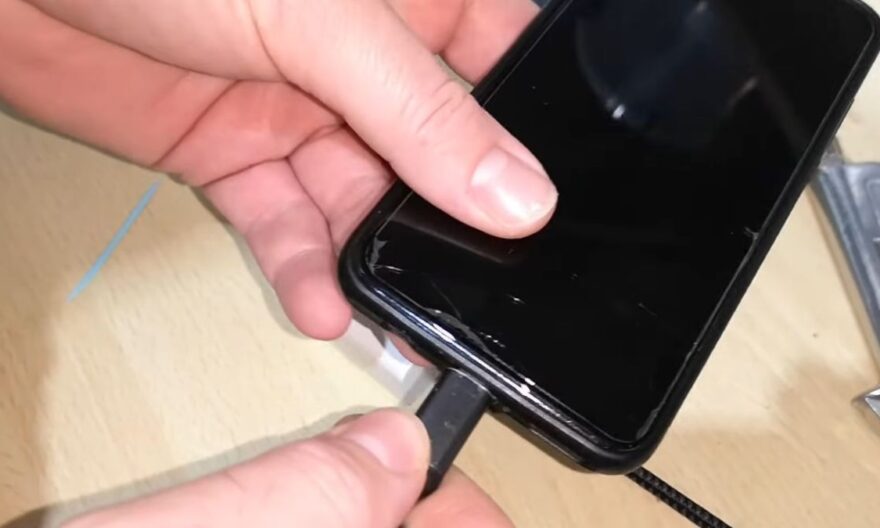
The USB-C port is now present on most modern electronic devices, from smartphones to laptops. Although this connector is designed to be robust and durable, many users find that the cable no longer stays in place after several months of use. Charging can become intermittent, and the connection seems less stable. This phenomenon is not always due to a hardware defect: it often results from natural wear combined with mechanical stress.
The invisible forces that wear down the USB-C port
Each insertion or removal of a cable exerts pressure on the port’s metal contacts. These small components are designed to maintain a firm contact with the connector, but they can slightly deform over time. The internal springs that stabilize the cable gradually lose their tension, creating this feeling of play. Even a high-quality port eventually shows some movement after hundreds of connections, especially if the cable is inserted quickly or at an angle.
In addition to mechanical wear, the port is exposed to external elements like dust and lint, which easily lodge inside the connector. These particles prevent the cable from inserting perfectly and give the impression that the port is looser than it actually is.
How does the environment influence the port?
The conditions around the port can accentuate the appearance of play. Humidity, temperature changes, or accidental shocks can cause micro-deformations in the connector’s metal structure. A drop or slight impact can weaken the internal contacts and reduce their ability to hold the cable. Even repeated pressure in the wrong direction eventually slightly widens the casing, reducing the port’s stability.
The choice of cable used also plays a role. Some rigid or very thin cables exert different pressure on the connector. This concentrated pressure contributes to the deformation of the contacts and accentuates the feeling of play after several months.
Solutions to extend the cable’s hold
Although wear is inevitable, certain habits can preserve the USB-C port longer. First, it is advisable to use high-quality and certified cables that meet the device’s specifications. A well-designed cable distributes pressure across all contacts and reduces excessive friction.
Next, it is useful to regularly clean the port. An accumulation of dust or small particles can amplify the play. A soft brush or plastic object can remove debris without damaging the contacts. Using protective caps when the port is not in use also prevents dust entry and limits premature wear.
Finally, plugging and unplugging the cable carefully, in a straight line, reduces stress on the internal contacts. These simple actions extend the connector’s lifespan and maintain optimal port stability.
When does wear become critical?
In some cases, the port can become too loose, making charging intermittent or completely preventing connection. This usually occurs after years of intensive use or following repeated shocks. In these situations, the only reliable solution is to have a certified professional replace the port. A proper replacement ensures that the connector regains its initial hold without risking damage to the motherboard or internal circuits.