
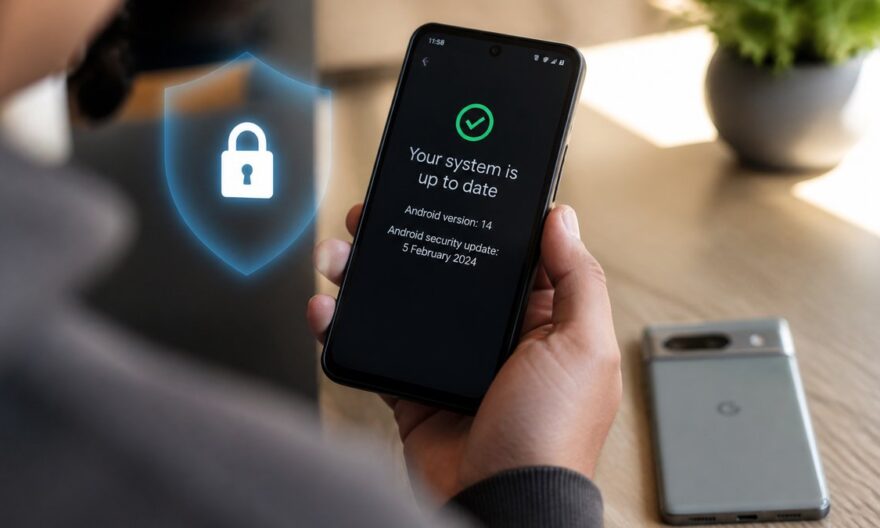
Google recently took decisive steps to protect users of its Pixel devices by fixing a critical security flaw. With 110 vulnerabilities patched, this update highlights the crucial importance of keeping our devices up to date to guard against targeted attacks. Discover why this update is essential for your digital security.
Key Takeaways
- Google fixed a critical zero-day flaw on Pixel devices, actively exploited by attackers.
- 110 vulnerabilities, including 12 allowing remote code execution, have been fixed.
- Users are strongly encouraged to apply the September update to secure their devices.
Imagine browsing on your Pixel, unaware of the vulnerabilities that could compromise the security of your data. Google, aware of potential threats, took the initiative to fix these flaws, ensuring a more secure experience for you. Thanks to this update, your digital peace of mind is assured.
Fixing the CVE-2026-58704 Flaw on Pixel
Google recently released a security update for its Pixel devices, targeting a critical flaw identified as CVE-2026-58704. This vulnerability affected the cellular modem and allowed attackers to elevate their privileges without user interaction. The exploitation of this flaw, although limited, was detected and required a swift response from Google.
The flaw was due to an error in the modem’s permission management, facilitating the acquisition of elevated privileges. However, it required adjacent network access, limiting its exploitation to targeted attacks rather than large-scale ones.
A Total of 110 Vulnerabilities Fixed
The September security update not only fixes the CVE-2026-58704 flaw. It addresses a total of 110 vulnerabilities, including 12 critical ones allowing remote code execution and 89 that could lead to privilege escalation. The diversity and number of fixed flaws underscore the importance of this update.
Users are invited to apply this update by going to Settings > Security and Privacy > System and Updates > Security Update. A device restart is necessary for the patches to take effect.
Next Steps for Pixel User Security
Building on these efforts, Google continues to focus on user security by developing new protection features and improving its threat detection systems. Regular updates and strengthening device security remain priorities for the company to ensure a smooth use of its products.
The Challenges of Digital Security in 2026
In 2026, digital security remains a major issue, with increasingly sophisticated threats. Companies like Google are constantly on alert to anticipate and counter these attacks. The importance of regular updates and user awareness is more crucial than ever.
Technology sector players, such as Google, Apple, and Microsoft, are investing heavily in the research and development of advanced security solutions. Educating users on best digital security practices is also an essential component to face current challenges.
FAQ
Why is it crucial to update your Pixel device?
Updating your Pixel device is essential to fix potential security vulnerabilities that could be exploited by attackers. These updates ensure better protection of your personal data.
How to apply the security update on a Pixel device?
To apply the update, go to Settings, then Security and Privacy, select System and Updates, and finally Security Update. Make sure to restart your device after the update.
What are the potential consequences of not applying updates?
Not applying security updates exposes your device to fixed vulnerabilities, increasing the risk of cyberattacks that could compromise your personal or professional data.
What other security measures can I take as a Pixel user?
In addition to keeping your device updated, it is advisable to use strong passwords, enable two-factor authentication, and remain vigilant against phishing attempts.